What was done,
in black and white.
Maintenance, handover, walkthrough or onboarding: build a checklist once and work through it as a report again and again — on site on your phone, with photos straight from the camera. At the end both sides sign on the device, and the PDF is your proof.

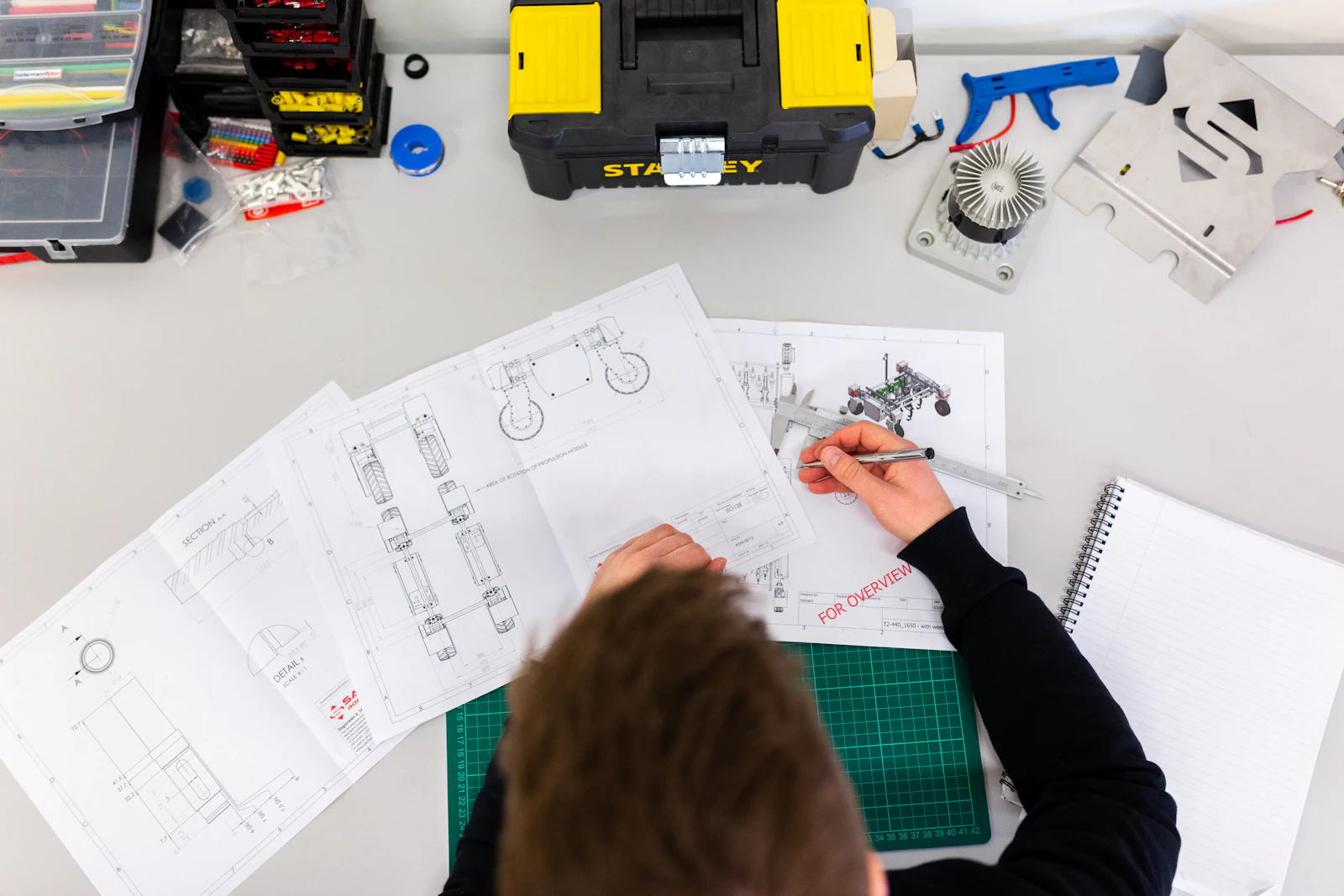
Done on site, documented properly — no paperwork.
Elevator maintenance, vehicle handover or fridge temperature checks: every pass becomes a timestamped report with photos, defects and signatures — filed with the right customer.
Document it the way it actually happens
Every inspection, always the same
Checkbox, yes/no, measurement, scale, choice, text, date, photo — build any checklist from 9 item types. 10 ready-made templates included.
Photos straight from the site
Take photos with your phone at any item — several at once, automatically resized, stored safely with the report.
Defects flag themselves
A No on a function check or a reading outside tolerance is flagged red automatically — the list shows instantly where something is open.
Signed & filed
Contractor and client sign right on the device — with mouse or finger. The finished PDF is filed with the customer.
From template to proof
Adopt a ready-made template and customize it, or compose your own items — with required items, tolerances and photo items.
Go item by item on your phone: tap, measure, photograph. Every answer saves instantly.
Both sides sign on the device, the date is set automatically. The PDF with photos and defects is filed in the customer's history.
The full history per customer — at a glance
Reports tab on the contact
Every maintenance visit, handover or walkthrough is filed with the right customer — the full history per site, available any time.
Defects at a glance
The list shows in red where defects are open — filterable by status, company and defect.
Run again
The next maintenance on the same unit starts with one click — same checklist, fresh report.
Ready in minutes — for any industry
10 ready-made templates from elevator maintenance and vehicle handover to HACCP fridge checks — adopt, customize, go. Or build your own checklist from 9 item types.
- 10 ready-made templates — adopt & customize freely
- Measurements with unit and tolerance limits
- Required items, sections and photo items
- Free in every plan
All included — and all free
Checklists & Reports is just one tool among many
Website, branding and your business tools all work together — one cockpit, instead of piecing together ten tools.